Online store first page displays the list of available purchase scenarios.
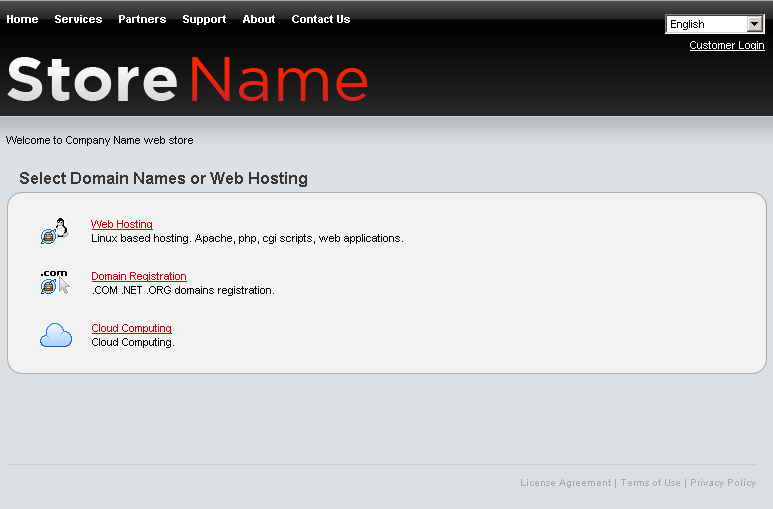
- List header is set using language dictionary. For detailed instructions on changing the header, refer to the Setting First Page Header section.
- Main Block shows the list of purchase scenarios available to customer. The order in which scenarios are displayed as well as the icon, name, and description of particular scenario can be configured in the Products > Online Store screen. For throughout information on configuring purchase scenarios, refer to the Managing Purchase Scenarios section further in this document.