Expiring a Silence
To unmute an alert or a group of alerts, you need to expire the respective silence. To do that, complete these steps:
-
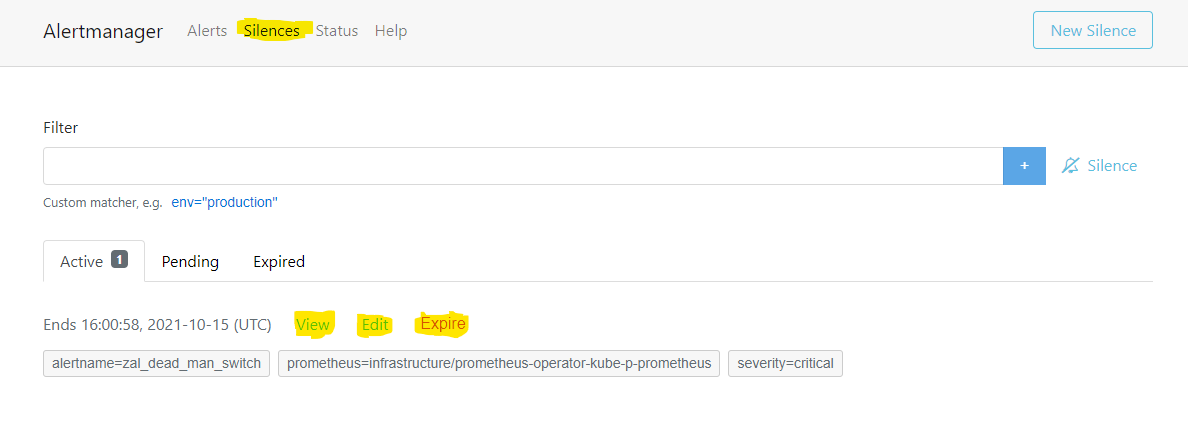
In the Alertmanager UI, in the top menu, click the Silences link.
-
Click the Expire button above the silence you need.