Defining the Business Model
As a service provider, you can not only define if new AWS accounts will follow the SPAM or ECAM ordering flow, but also choose if you wish to provide end-customers with an IAM User (default) or a Root user. The business model can be defined at a reseller /Opco level if the Multi-Payer functionality is enabled.
About SPAM and ECAM
| SPAM | ECAM |
|---|---|
|
|
AWS Business Model Configuration
To define the business model you must use the AWS Account Model marketplace configuration parameter in Connect.
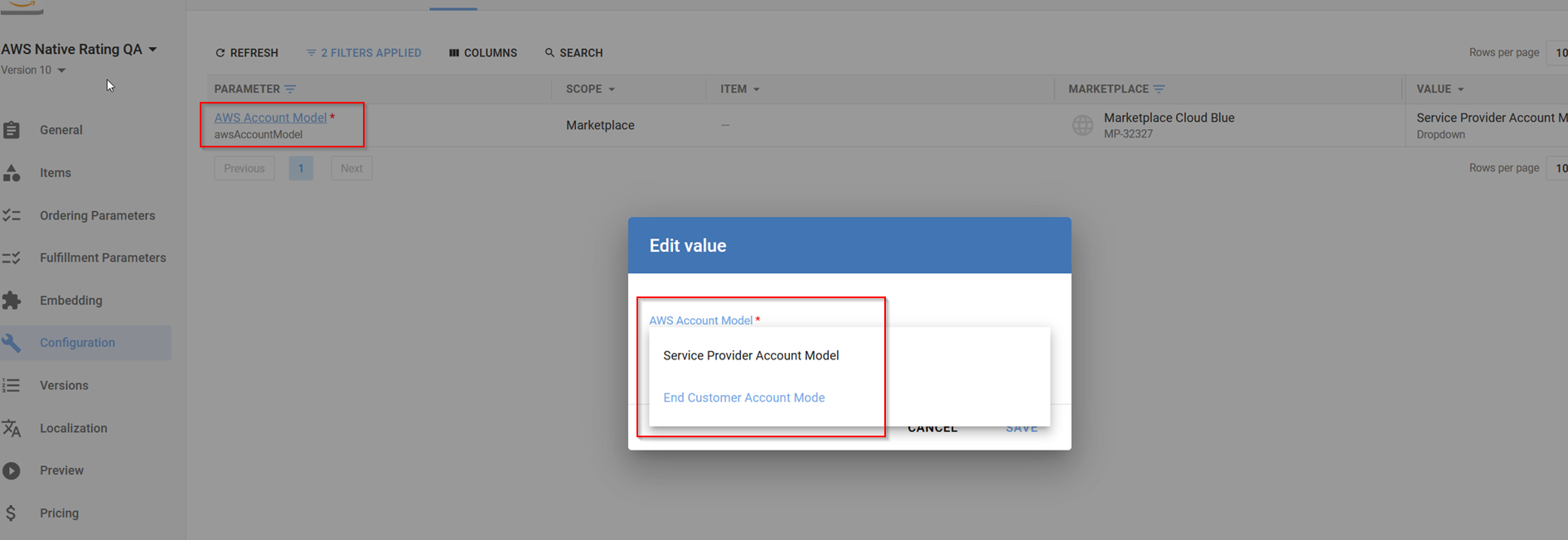
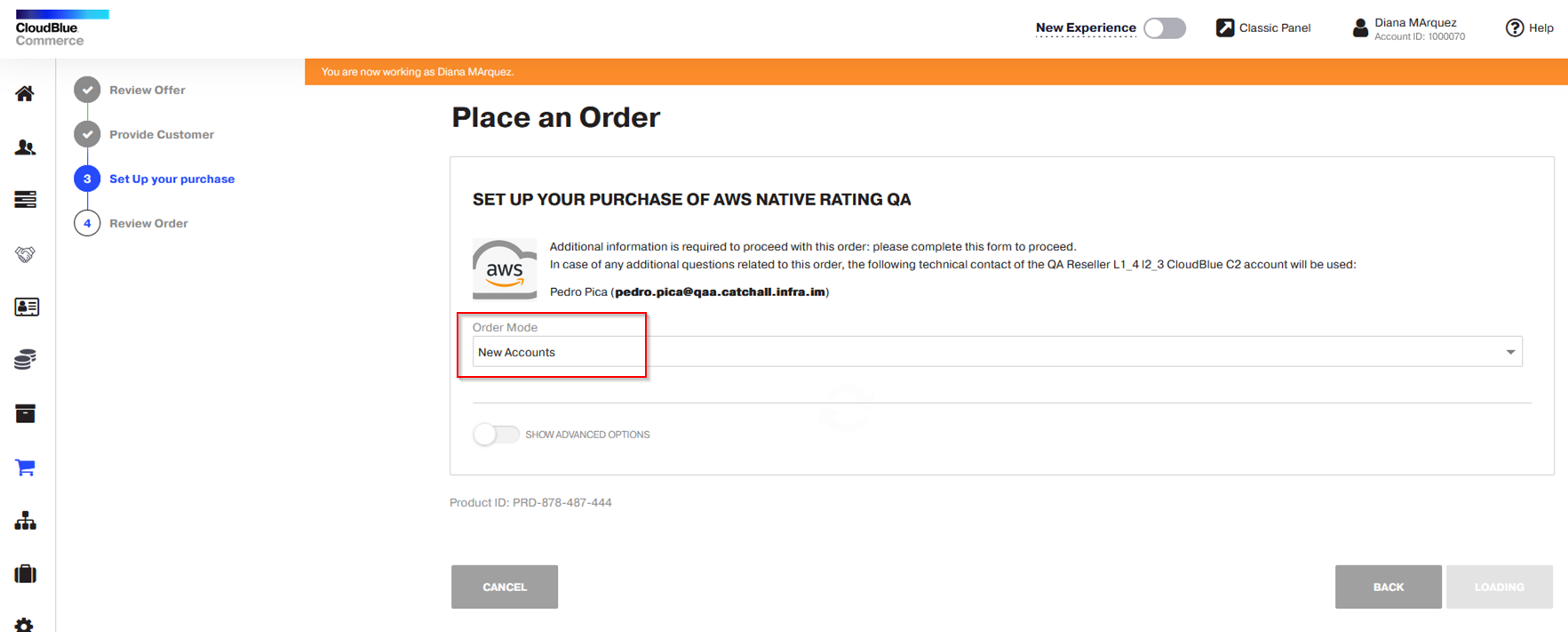
In the ordering process, the ECAM/SPAM configuration is only applied when the New Accounts option is selected in the Order Mode field.
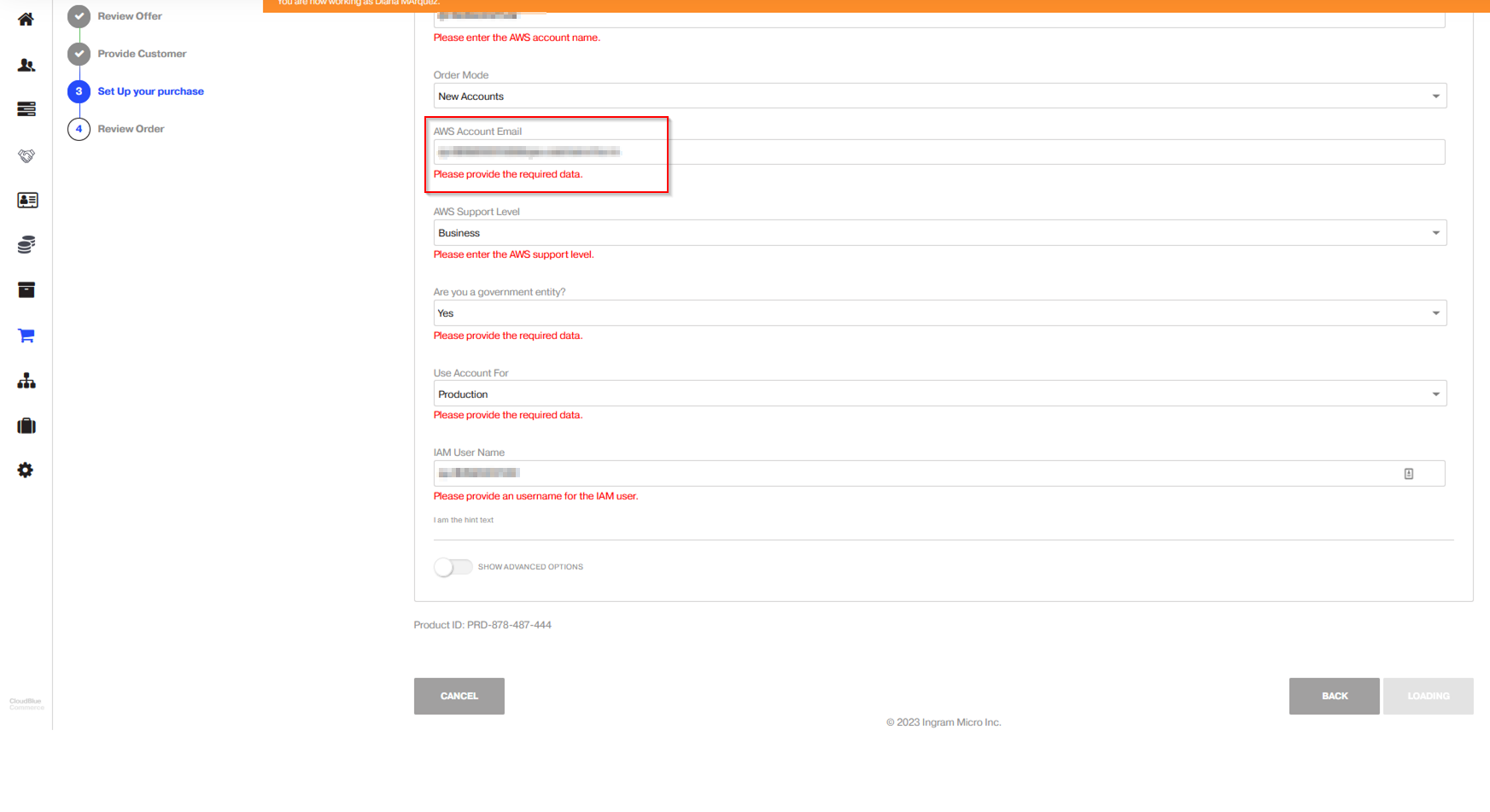
When the ECAM model is selected in the configuration parameter, end-customers will be able to specify their own AWS account email. Consequently, the new account will have the end-customer's domain rather than the provider’s domain.
Additionally, you can choose to generate an IAM User for the end-customer, which is available at Marketplace or OPCO level.
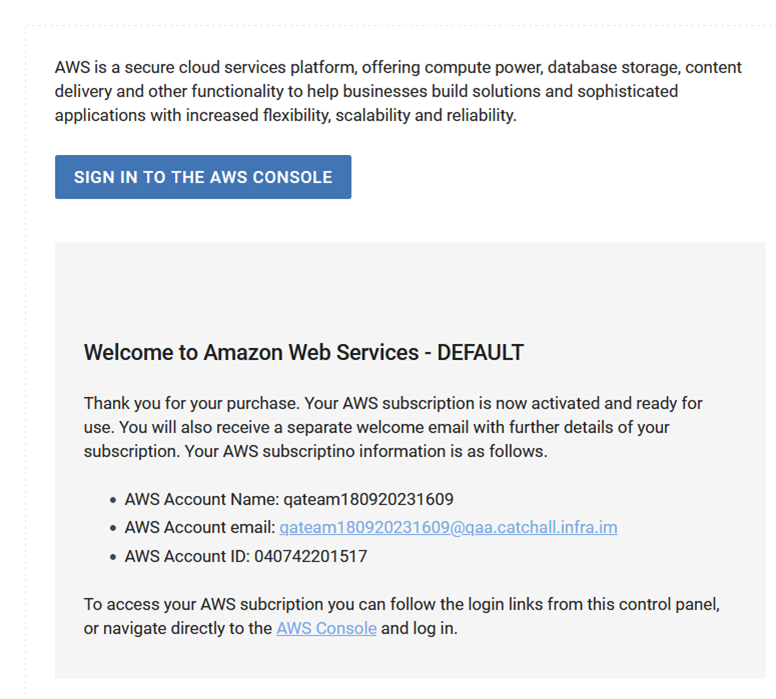
If an IAM user was generated for the end-customer, the subscription information displayed to the end-customer will include the AWS IAM User created by the connector with the relevant SCP applied. To display this template, the provideRootUserForECAM parameter must be set to No. This is configurable at marketplace or OPCO level.
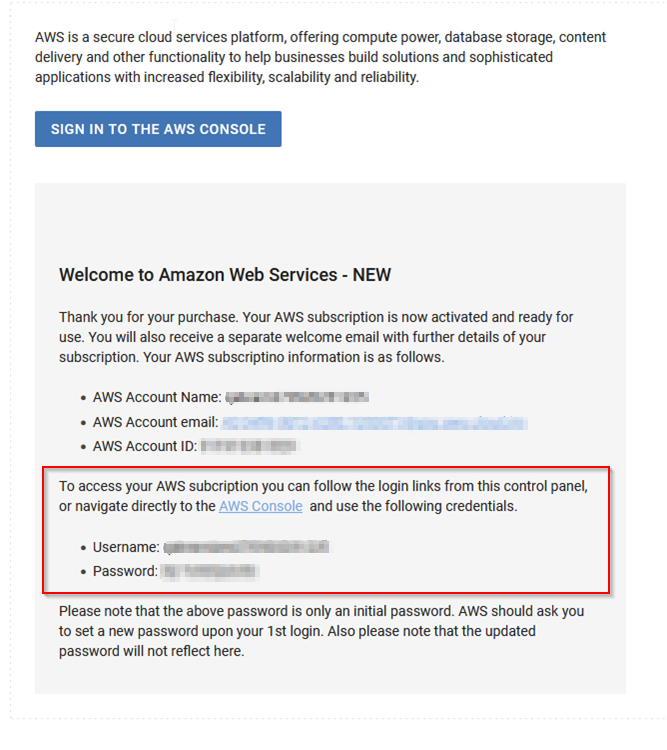
If the ECAM model is selected and the provider chose not to provide the end-customer with an AWS IAM user, the end-customer will have to access with a Root user by resetting their credentials in the AWS console. This is configurable per marketplace/Opco by setting the provideRootUserForECAM parameter to Yes.
For additional information, see the Distributor Portal Configuration Guide.