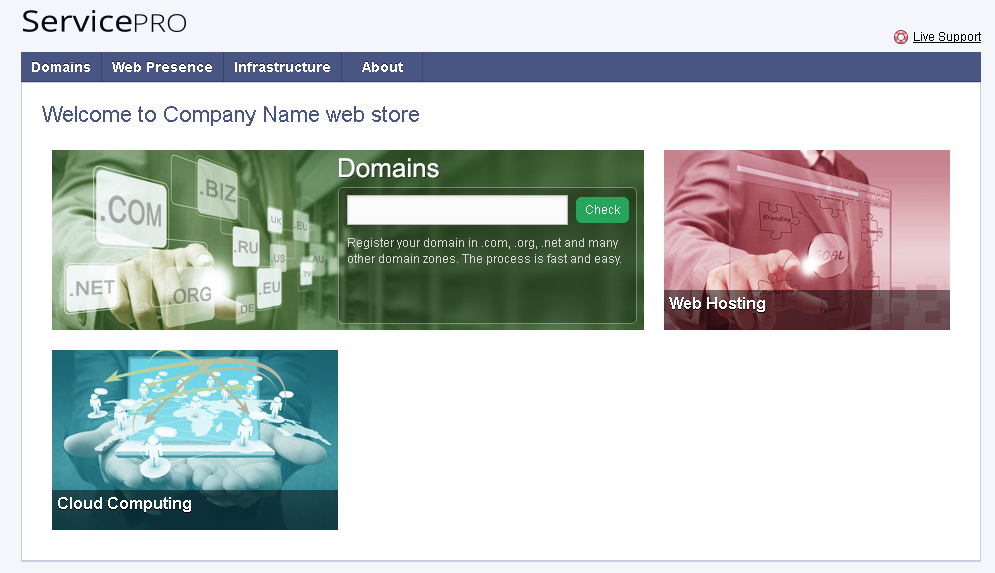
Branding Odin Automation
Rebranding Odin Automation according to your company style involves the following steps:
- Setting up a branded domain name for accessing the Odin Automation control panels and the online store.
- Setting up branded addresses for name servers.
- Replacing the default company logo in the panels with a custom logo.
- Applying a custom skin to change the appearance of control panels according to your company style.
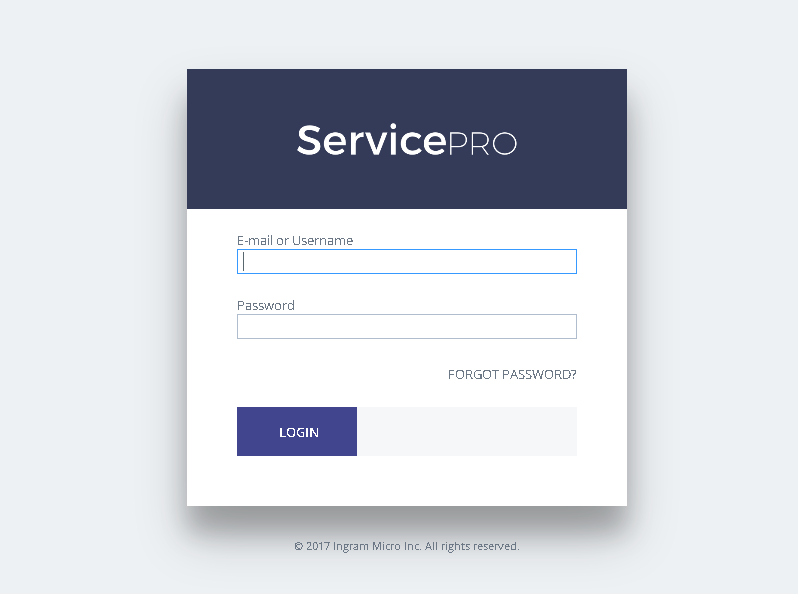
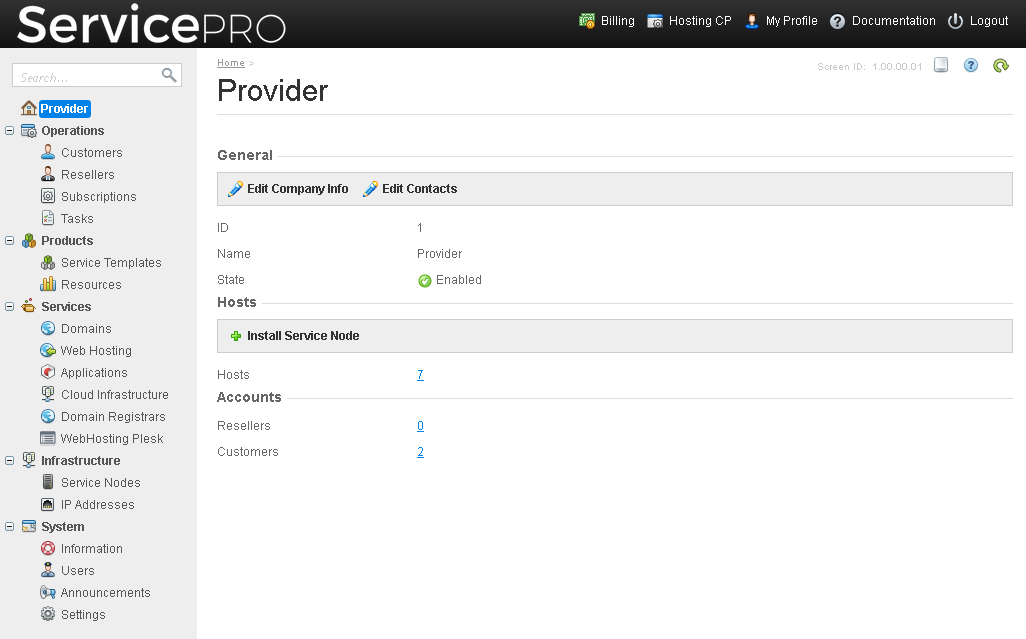
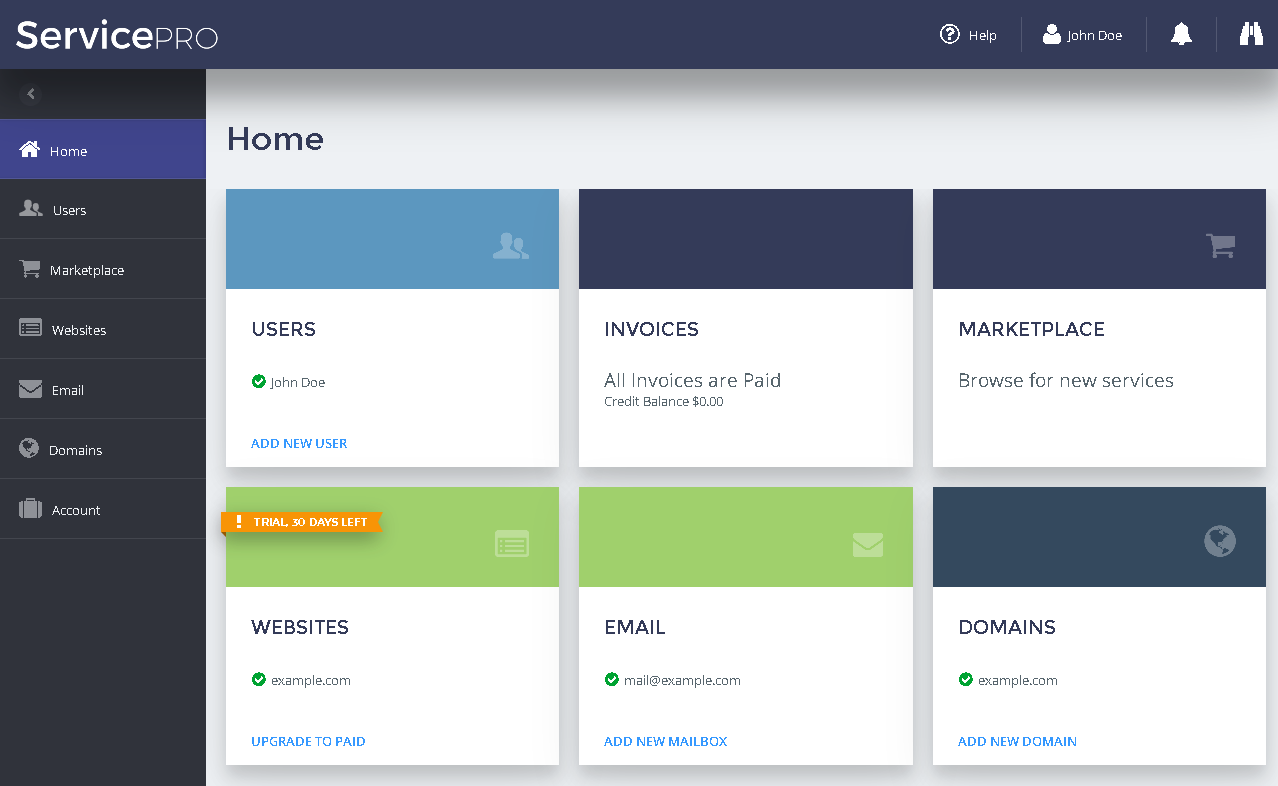
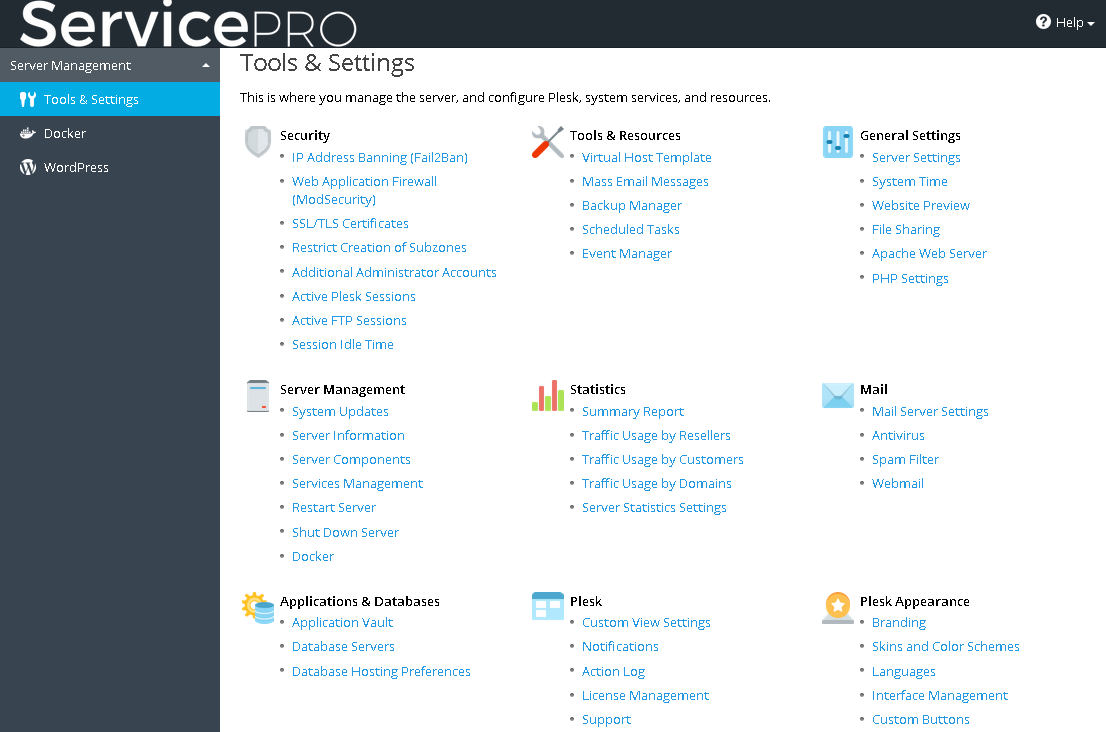
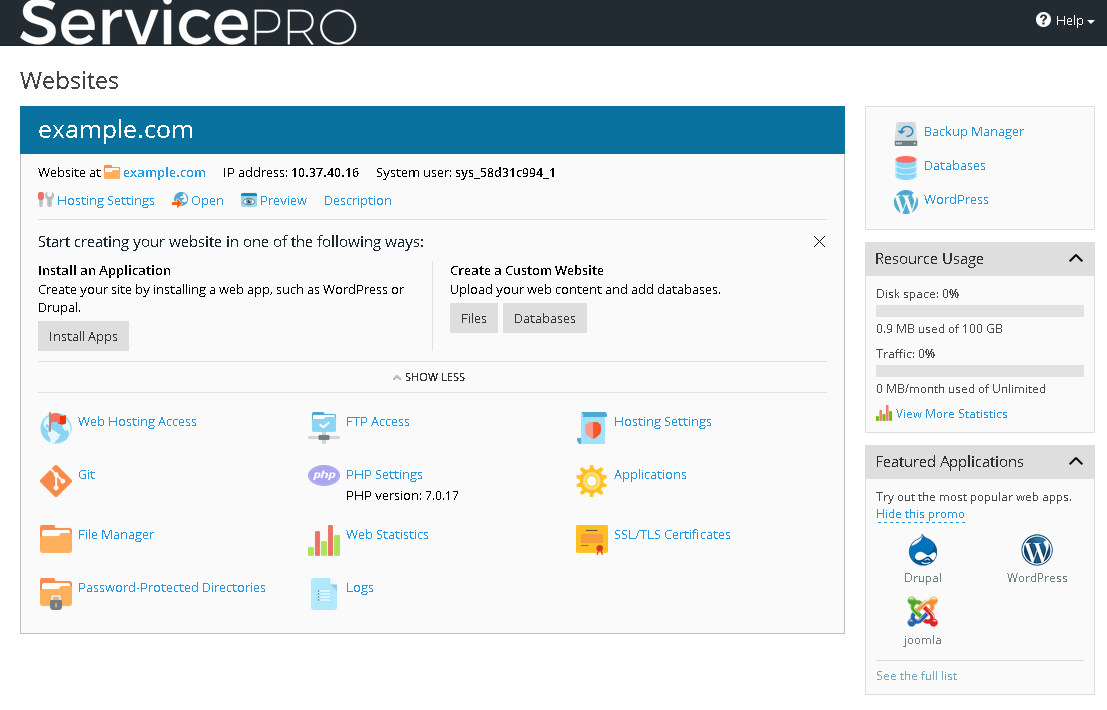
The following figures illustrate the items in Odin Automation that you can change.
The Login Screen
The Provider Panel
The Customer Panel (UX1 for Customers)
Plesk Administrator's Panel (Accessed for Managing Service Nodes)
Plesk Customer Panel (Accessed for Managing Customers' Websites)
Online Store